
MusicLaunch™ Is Almost Ready
We're putting the finishing touches on the all-in-one campaign management platform for independent musicians. Join the waitlist to get notified the moment it launches.
No spam, ever. Just a launch notification and the occasional update.
macOS first · Windows coming shortly after
What's Inside MusicLaunch
Campaign Dashboard
Kanban boards, task management, release checklists, and phase planning.
Content Calendar
Plan and schedule posts across 10+ platforms with the 70-20-10 rule.
Contacts & PR
Manage press, curators, bloggers, and venues with Gmail integration.
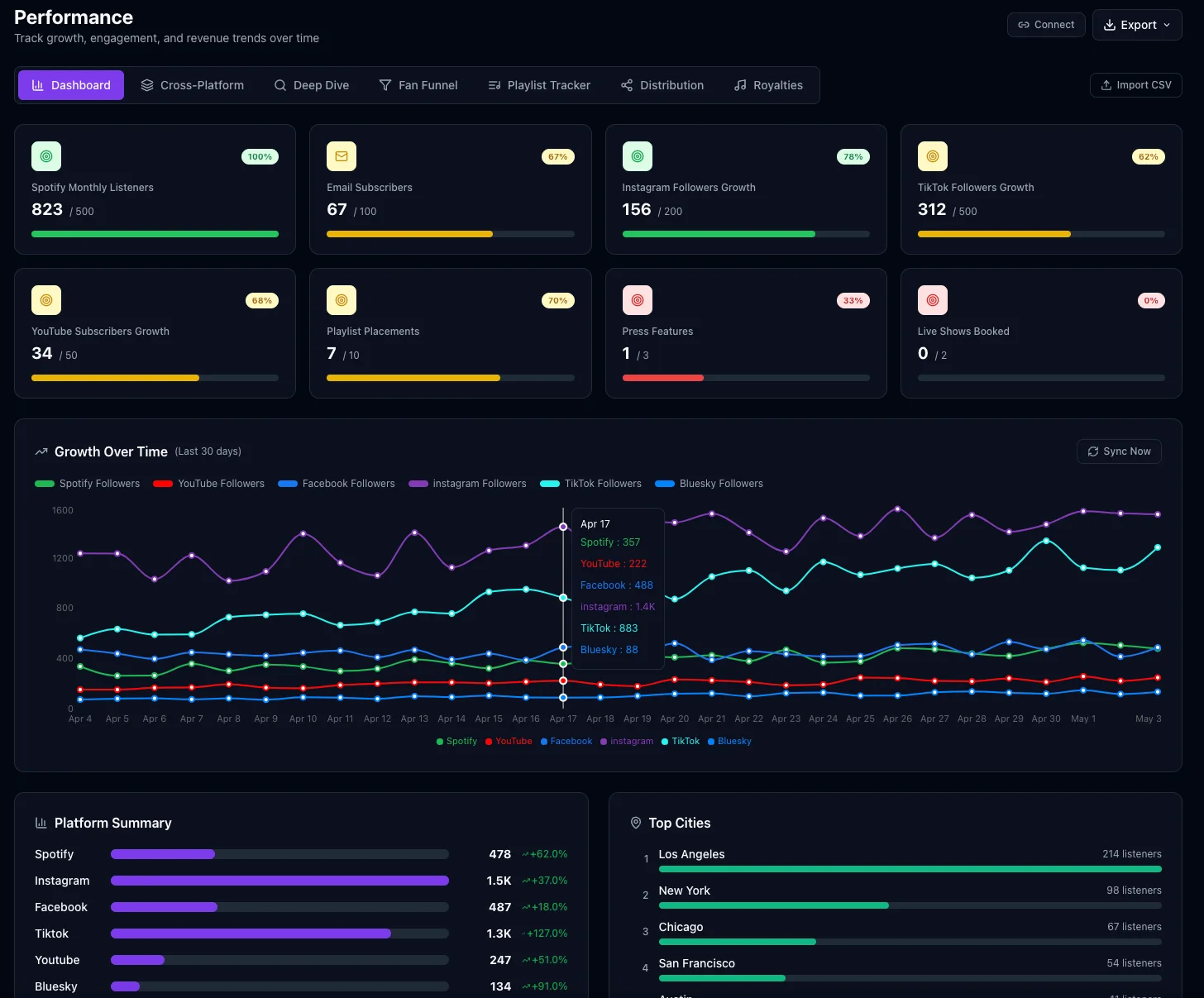
Performance Dashboard
KPI tracking, growth trends over time, and cross-platform playlist monitoring.
Sync Licensing
Track submissions for TV, film, ads, and gaming with a full Kanban pipeline.
12 AI Assistants
Context-aware AI for every section — press releases, strategy, split sheets.
A Sneak Peek
MusicLaunch brings your entire release campaign into one powerful desktop app.
System Requirements
macOS
- macOS 12 (Monterey) or later
- Apple Silicon (M1/M2/M3/M4) or Intel
- 4 GB RAM minimum
- 500 MB available disk space